


How it works
Save it now. Find it later.
01
In any app, tap Share, then Graycouch. That’s it, the link is saved.
Share sheet shown as a recreation


02
When you share a link, Graycouch suggests a category and a short title on your phone. Change either before you save.


03
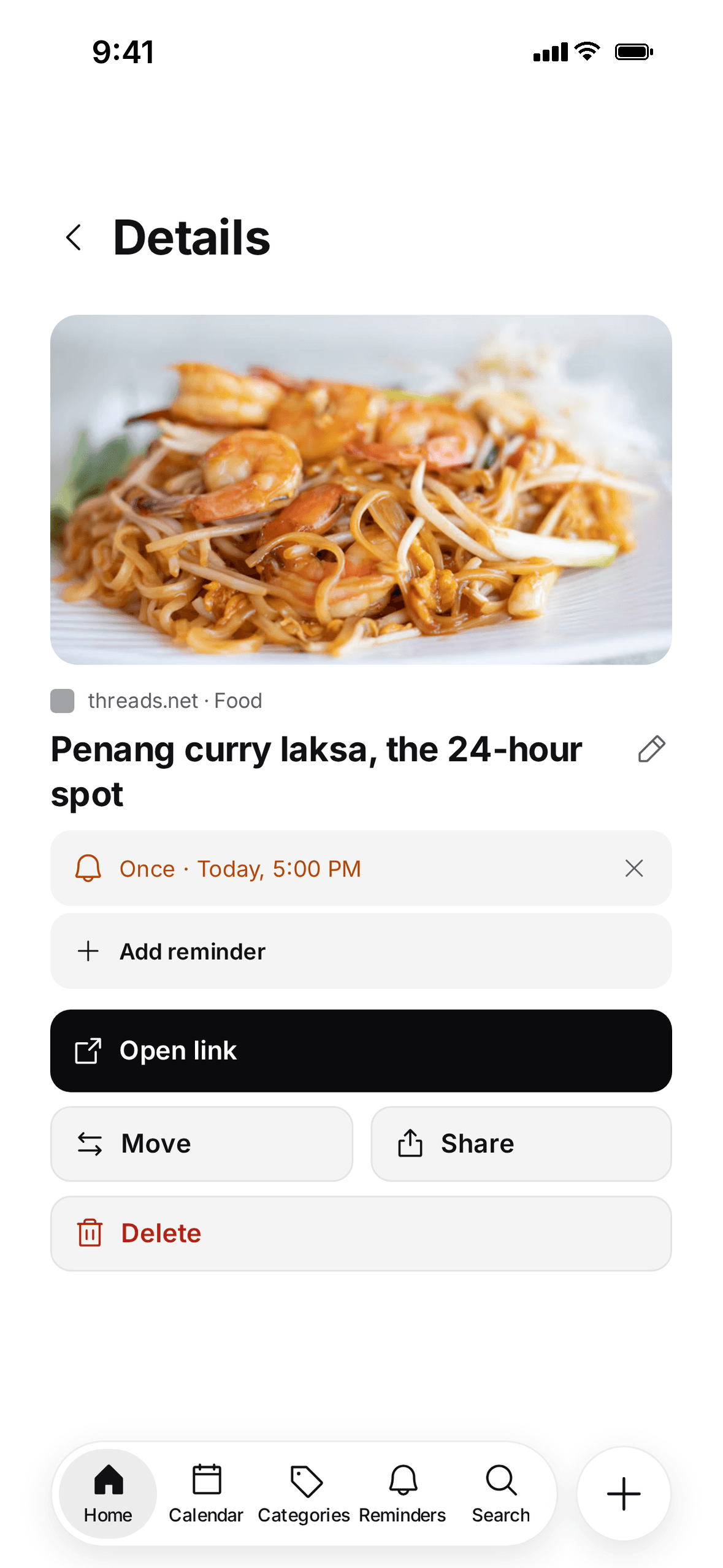
Pick a time and Graycouch brings it back, so saved finally means read, watched or cooked.


04
Search everything you’ve saved as you type. That link from three weeks ago is right there.


Made for later
Graycouch keeps the links you mean to return to. Sorted for you, searchable, with reminders when you need them.
No sharing, no followers, no public profiles.
No one else on Graycouch can see your saves.
We don’t sell your data or show ads.
Reminders before things are due
Pick a time. Graycouch brings the link back.
